
Download
- iSummarize 1.1.0 (2KB)
If you don't use Wordpress, but still want to embed a form for this tool on your website click here.
Description
Sometimes you need to read the essence of an article, because you don't have time, or simply because you're too lazy too read a 10 pages long post. With iSummarize you can provide your readers with the option for a quick summary of your post. Let them decide if the article is worth reading, before actually reading it!
This widget will add a button to the sidebar to summarize the page. It must be added to the desired location through Admin Panel - Presentation - Widgets.
If the current theme does not support widgets, you can easily edit the Sidebar and add the following code:
<?php widget_summarize(); ?>
Installation
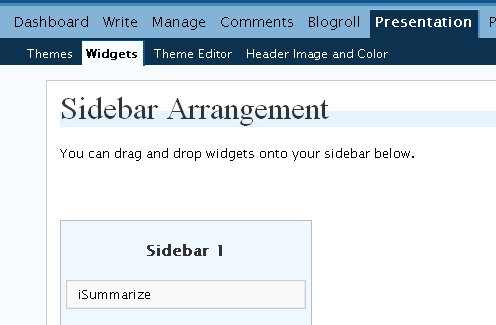
Installation instructions:
- Download the zip file from our website and unpack it, you can use a free program such as 7-Zip or a similar utility.
- Copy the isummarize.php file into wordpress/wp-content/plugins/ directory.
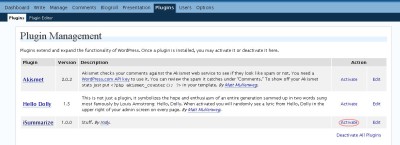
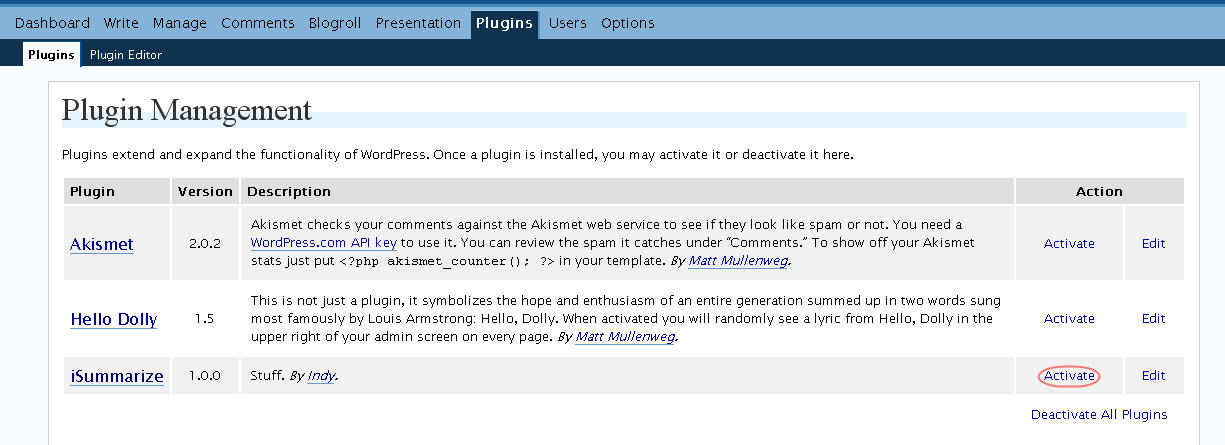
- Go to plugins and activate iSummarize, if it isn't already activated.
-
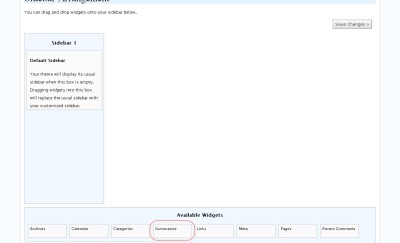
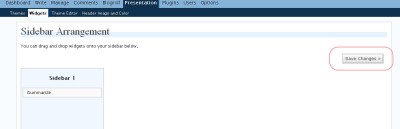
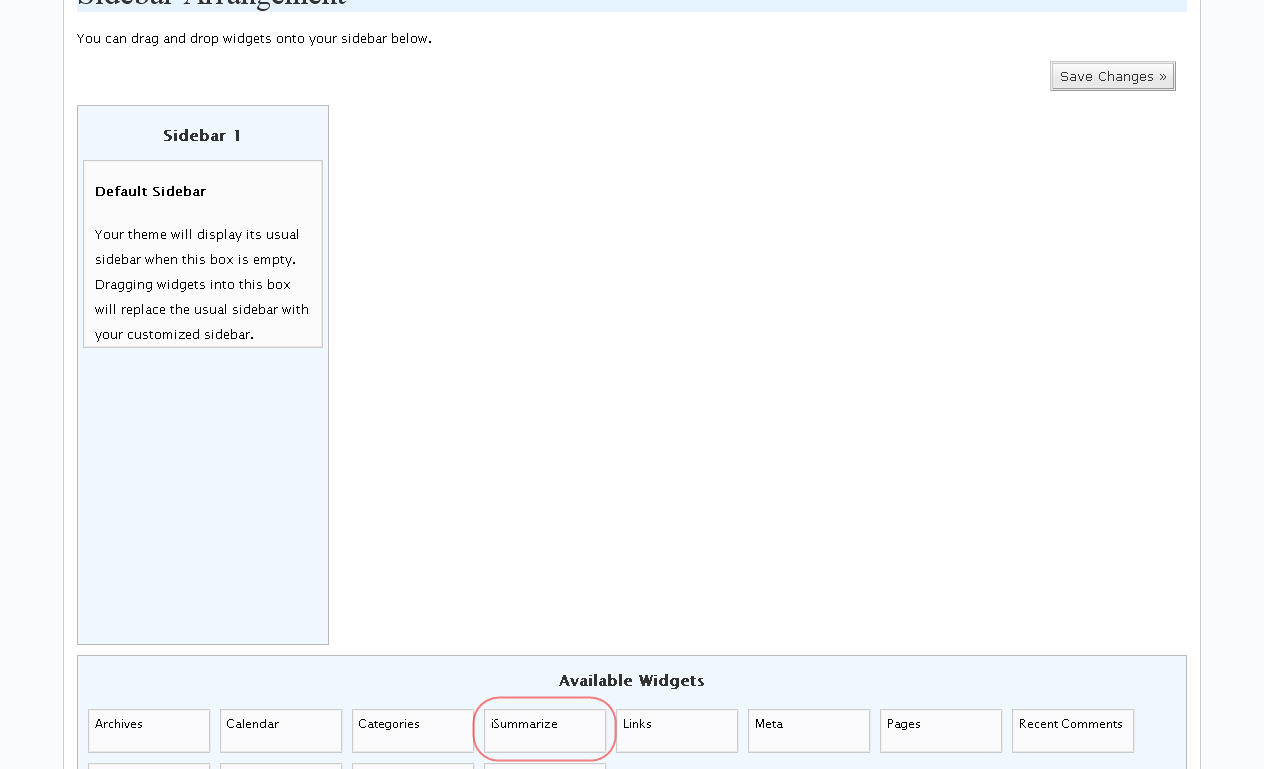
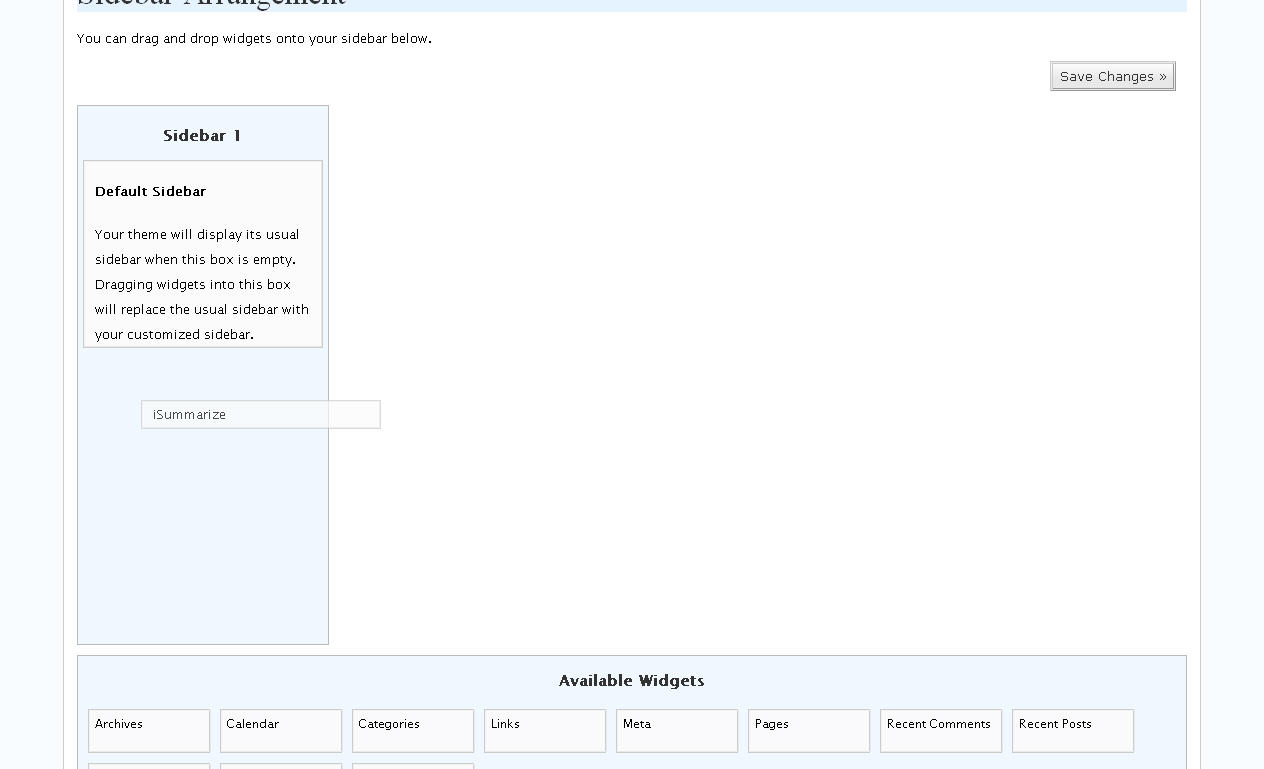
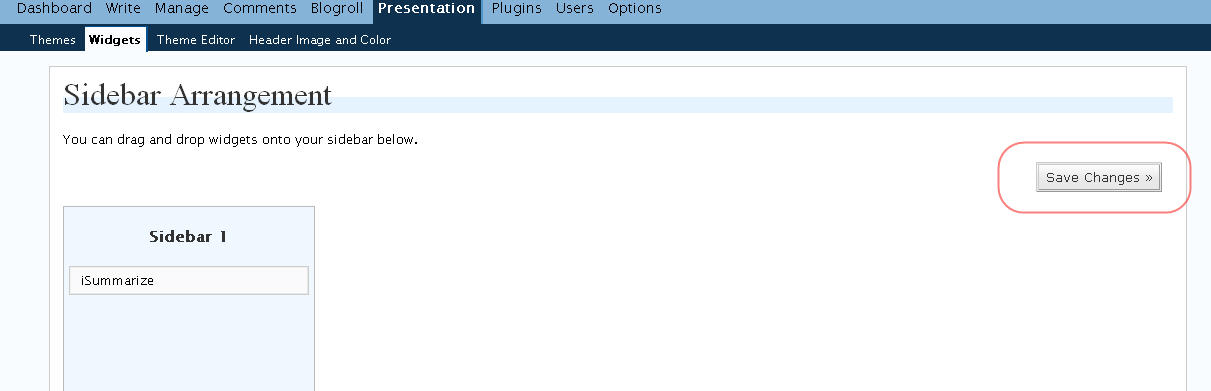
- Go to Presentation -> Widgets and drag & drop the iSummarize widget from those avaiable at the bottom of the screen, to your sidebar, pricisely where you want it.
-
-
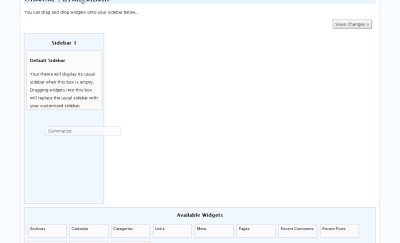
- Save Changes & Enjoy !
-




Manual Installation:
If your WordPress theme doesn't support widgets just follow these simple instructions:- Copy the isummarize.php file into wordpress/wp-content/plugins directory.
- Go to plugins and activate iSummarize, if it isn't already activated.
- Go to Presentation -> Theme Editor
- Select Sidebar.php
- Add the following code to where you want the button displayed:
<?php widget_summarize(); ?>
Requirements
Release Notes
- 1.0.0 - First release
- 1.1.0 - Added options for title and image - now you can select between normal buton and red/blue/rounded image
Older versions
- iSummarize 1.0.0 (1KB)
Wordpress Widget
You can now add a widget for the Summarizer tool to your Wordpress blog! It's easy and it's FREE.
Help me!
You have problems with the Summarize tool? Or perhaps you want to know its full potential?
Read this quick guide and see how you can improve your results.
Report a bug
We don't like bugs either, so if you spot one, please let us know and we'll do our best to fix it.
Buy script
If you want to buy this script you can see the Summarizer script page for documentation and pricing.
Donate!
If you like these tools and you want to help us pay for the hosting you can use the following buttons to donate some money.